
Roles & approvals · In every plan
Staff roles that give everyone exactly the access they need
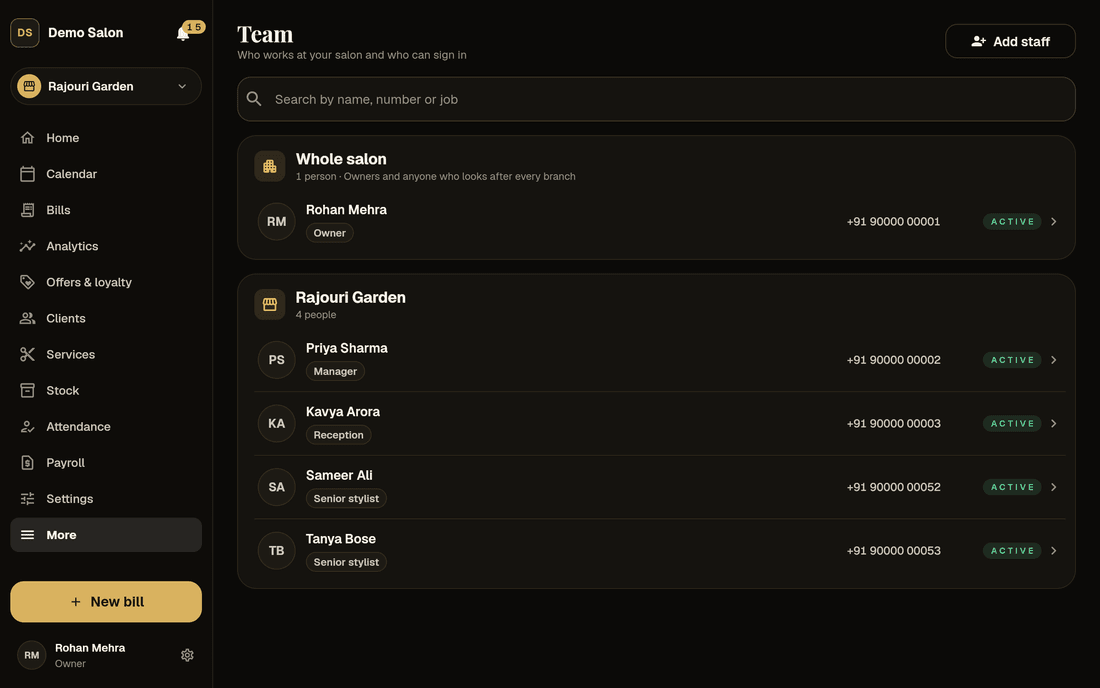
Frizzi’s salon staff roles and permissions decide who bills, who approves and who sees the money, branch by branch. The server checks every request, so a stylist can’t open the reports and a manager can’t see a branch they don’t run.
- Four roles: owner, manager, reception, stylist
- Mobile number, SMS code, then a 6-digit PIN
- Unlimited staff on every plan
Four roles
Who can do what, at a glance
Give each person a role and the branches they cover. Frizzi shows them the screens for that job and hides the rest. Someone can cover several branches, and a person who works at two salons keeps each one completely separate.
| Owner | Manager | Reception | Stylist | |
|---|---|---|---|---|
| Covers | The whole salon | Their branches | Their branches | Their own work |
| Make bills, take payments | Yes | Yes | Yes | Start a bill for the desk (Plus) |
| Refund a bill | Yes | Yes | Yes | — |
| Cancel a bill, with a reason | Any bill | Today’s bills | — | — |
| Edit a bill | Yes | — | — | — |
| See clients’ phone numbers | Yes | Yes | Yes | — |
| Count the cash, add expenses | Yes | Yes | Yes | — |
| Give staff advances | Yes | To reception and stylists | — | — |
| Add staff | Anyone | Reception and stylists | — | — |
| Reports and analytics | All of them | Their branches, without GST, commission or profit by stylist | — | — |
| Commission rates, payroll, salon settings | Yes | — | — | — |
Stylists see their own appointments, bills and earnings. On a phone their menu shows Services and prices in place of Clients. Basic includes the daily sales and GST reports; every other report comes with Plus.
Screens
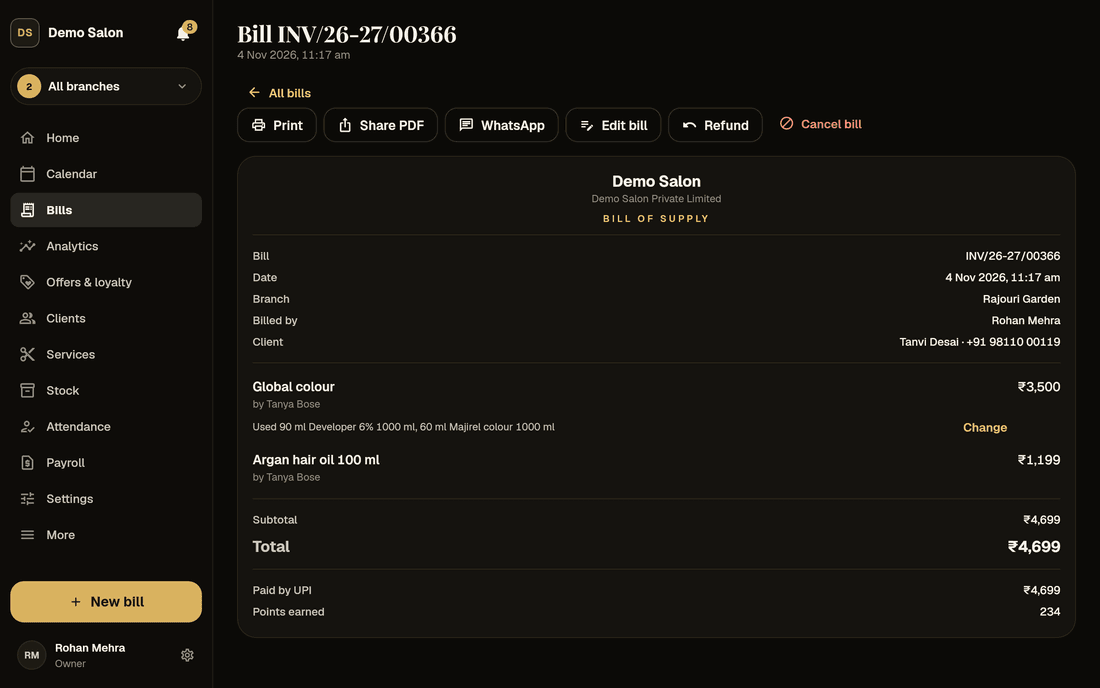
The team side of Frizzi
Real screens on sample data. Tap one to see it larger.
Branch by branch
Managers run their branches, and only theirs
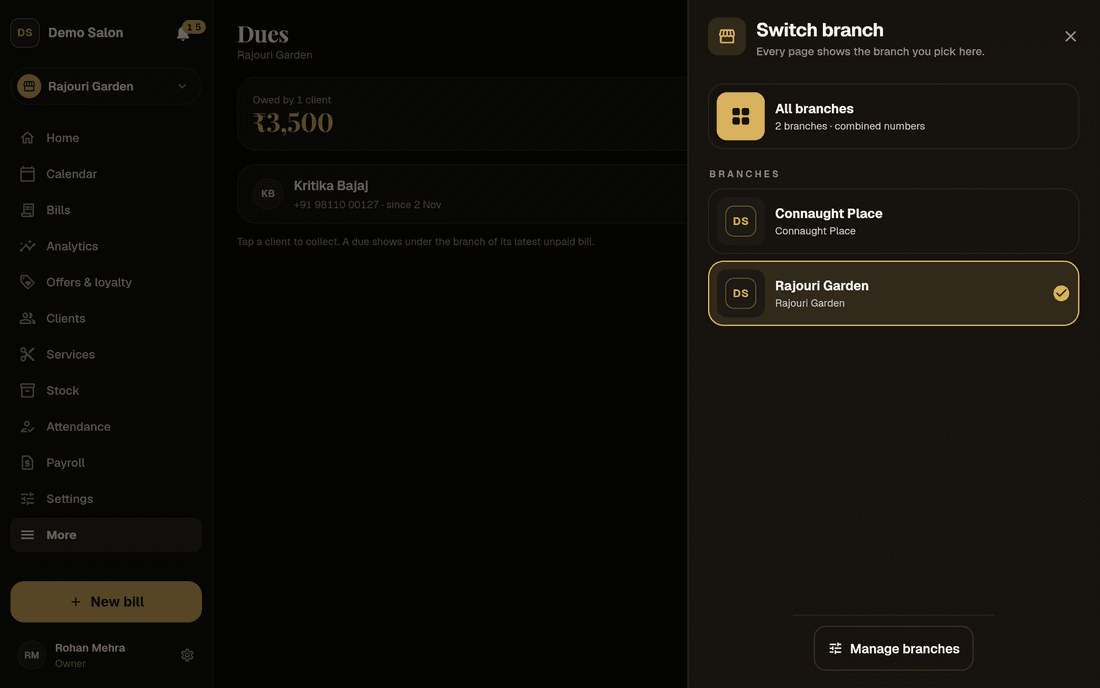
Every request to Frizzi is checked twice: does this person’s role allow it, and is the branch one of theirs? A manager can’t open another branch’s bills, cash or staff by changing a link, because the server refuses it. The branch switcher at the top only lists their own branches.
Underneath, the database keeps each salon apart with row-level security, so one salon’s data can never appear in another’s, even through a coding mistake.
People can still help out where they’re needed: staff can cover several branches, move with their work history kept, or be lent to another branch for a few days.
- Role and branch checked on every request
- Salons kept apart inside the database
- Move or lend staff without losing history
Signing in
No passwords to forget, and no PIN anyone else can see
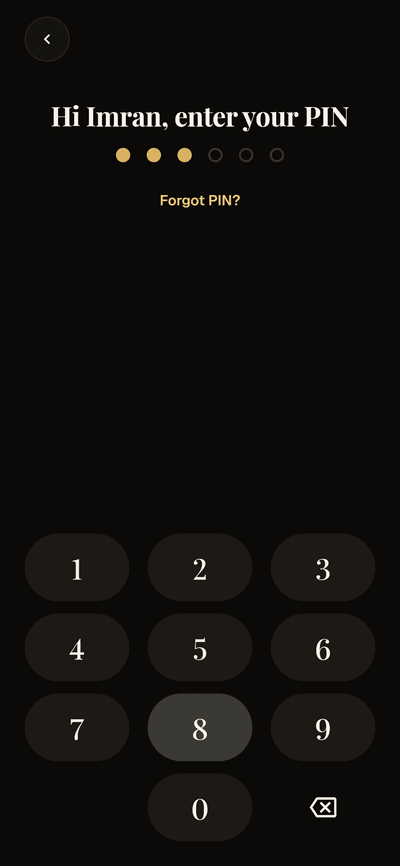
Staff sign in with their mobile number, a code sent by SMS, then their own 6-digit PIN. On the front-desk tablet everyone signs in as themselves, so each bill, discount and cash count carries the right name. The same PIN approves a big discount or closes the client sign-up tablet when an owner or manager is standing there.
Five wrong PINs lock the login for 15 minutes. Easy PINs such as 123456, 111111 or one made from the phone number are refused. PINs are stored only as one-way hashes, so nobody, the owner included, can read one. A new PIN signs the person out of every device, and a login renews itself for 30 days.
Someone who already uses Frizzi at another salon gets an invite, and joins your team only when they agree.
- Mobile number → SMS code → 6-digit PIN
- Five tries, then a 15-minute lock
- Invites need the person’s yes
Approvals
The right person says yes before money moves
Switch on only the approvals you want. Each one waits for the person who can answer it, shows under their bell and in the Requests waiting widget, and keeps who asked, who answered and when.
Bills from stylists
A stylist taps Start a bill and sends it to the desk. It gets no invoice number and takes no payment until reception bills it, or turns it down with a reason.
Managers’ advances
An advance a manager records waits for the owner, who sees what the person already owes (and, with payroll, what they will earn this month), then approves, changes the amount or rejects.
Attendance fixes
Forgot to check out? Staff tap “Fix my attendance” and a manager or the owner approves the change. Corrections always carry a reason.
Leave requests
Full day or half, paid or unpaid. Managers answer for reception and stylists at their branches, the owner for everyone, and the leave balance updates itself.
Big stock write-offs
A write-off over the amount you set waits for the owner before the stock comes off.
Late-cancel and no-show fees
A fee can be charged, waived by an owner or manager, or left for a manager to decide.
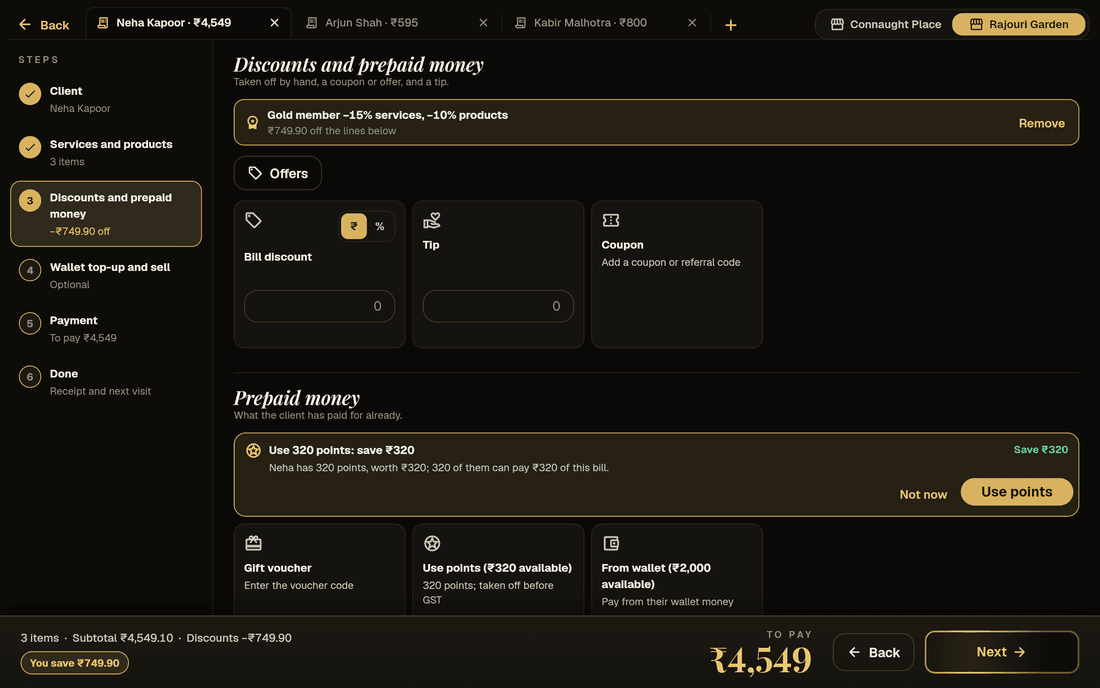
Discount limits · Plus
Bigger discounts need a PIN on the spot
Reception can give up to 10% on a bill to start with; managers have no limit unless you set one, and owners never do. Going over the limit asks for an owner’s or manager’s own PIN on that bill. The approval lasts 10 minutes, for that bill only, and three wrong PINs pause approvals for 15 minutes.
The owner still hears about every discount let through above someone’s limit, with the bill number and who approved it. Coupons and loyalty points follow their own rules and never count against the limit.
- Reception 10% and managers 100% to start
- The PIN works for that bill, for 10 minutes
- Owners told about every big discount
Privacy
Pay and client details stay private
Staff don’t even see what Frizzi costs: where a feature needs Plus or Pro they see the tag and “Ask the owner”.
Commission rates
Only owners see anyone’s commission rate. Frizzi’s server sends no rate to any other login, so it can’t turn up on a manager’s screen.
Each person’s own pay
Stylists see their own earnings, tips and payslips, never a colleague’s. Payroll and the Salary this month widget belong to the owner.
Client phone numbers
Stylists never see client phone numbers, so your client list doesn’t walk out of the door with a stylist. They see names, services and appointments.
ID documents
Aadhaar, PAN and the rest show only the last 4 digits in lists, open through a link that lasts 5 minutes, and every view is logged. Only owners delete them.
Audit log
Who changed what, and when, always on record
Every change to branches, staff and settings goes in Frizzi’s audit log: who made it, when, and what it was before and after. There is no screen to browse it in the app yet; if you need to know who changed something, write to us and we’ll look it up for you.
Nothing that matters disappears quietly. Bills are never deleted, only cancelled or refunded with a reason. Expenses are voided, not erased. A cash count changed later is marked “changed after counted”. Advances given and cancelled, PIN resets, review replies and every view of an ID document are recorded too.
- Before and after, for every change
- Bills never deleted, only cancelled with a reason
- Looked up for you on request
How it works
Add your team in four steps
Add them by number
Owners add anyone; managers add reception and stylists. A mobile number and a name are enough.
Pick the role and branches
Owner, manager, reception or stylist, and which branches they cover.
Give them a first PIN
Someone new to Frizzi signs in with an SMS code and the PIN you set. Someone already on Frizzi accepts an invite instead.
Switch on the controls you want
Discount limits, bill approval and approval of managers’ advances stay off until you turn them on (Plus).
FAQ
Questions
Do my staff need a password?
No. They sign in with their mobile number, a code sent by SMS and a 6-digit PIN. There are no passwords to write on the wall behind the counter.
Can a manager see another branch’s figures?
No. A manager sees only the branches you gave them, and the server checks the branch on every request, not just in the menu. Owners see everything.
Can stylists see clients’ phone numbers?
No. Stylists see names, services and appointments, never phone numbers, and their phone menu shows prices in place of the client list.
What if someone forgets their PIN?
For an account your salon made, the salon sets a new PIN from Team → Login PIN, and the person is signed out of every device. Someone who already had a Frizzi account before joining you changes it themselves in the app.
Can I stop reception giving big discounts?
Yes, with Plus. Reception can give up to 10% to start with; anything more needs an owner’s or manager’s PIN on that bill, and the owner is told.
How many staff can I add?
As many as you like. Every plan has unlimited staff, and the price is per branch, not per person. See pricing.
What does the audit log record?
Changes to branches, staff and settings, with who made each one, when, and the before and after. Money records are never deleted in the first place: bills are cancelled or refunded with a reason. There is no screen for the log in the app yet; write to us and we’ll look a change up for you.
From the Frizzi guides
Guides on this
Staff advances: how to give them, record them and get them back fairly
Staff advances in a salon without fights: clear rules, a written record, instalments never more than the pay left, write-offs and the effect on the cash drawer.
5 min read
Staff & payStylist commission: how to work it out, with real numbers
How to work out stylist commission: flat %, slabs, product commission, targets and minimums, on sales before GST and after discounts, with worked numbers.
5 min read
Staff & paySalon staff attendance: fair rules for shifts, lates, leave and offs
Salon staff attendance rules that feel fair: shifts and grace minutes, late marks, half days, leave, weekly offs, the sandwich rule, GPS and selfie check-in.
5 min read
Run your salon on Frizzi, free for 35 days
Every feature of Pro for 35 days. No card needed. Your data stays yours, and you can export it any time.
Plans from ₹99 a branch a month, plus GST. Monthly or yearly.